

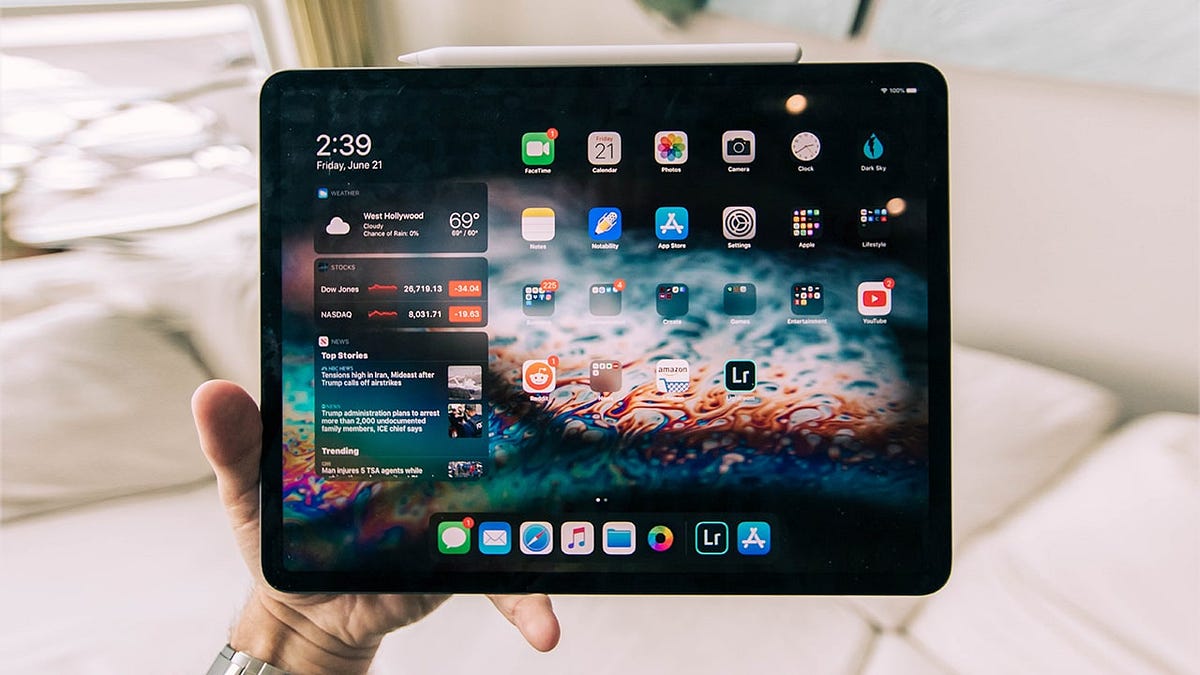
The Best iPad Apps in 2025, grouped by purpose, include Procreate for creatives, Notability for note-takers, LumaFusion for video editors, GoodLinks for readers and researchers, and Fantastical for anyone serious about their calendar. These five apps alone justify owning an iPad because each one is category-defining and takes genuine advantage of the iPad’s screen, processing power, and Apple Pencil support.
The iPad has genuinely become a capable computing device for specific workflows – drawing, note-taking, reading, video production, and focused work – where it does things a laptop cannot or does them more naturally. The apps below are the ones that unlock that potential.
Top iPad Apps by Category
| App | Category | Price | Apple Pencil? | Key iPad Feature | Rating |
|---|---|---|---|---|---|
| Procreate | Creative / Drawing | $12.99 (one-time) | Essential | Full canvas on large display | ★★★★★ |
| Notability | Notes / Annotation | Free + $14.99/yr | Yes (handwriting) | Audio sync with notes | ★★★★★ |
| LumaFusion | Video Editing | $29.99 (one-time) | No | Pro timeline, multi-track | ★★★★★ |
| GoodLinks | Read-later / Research | $4.99 (one-time) | Optional (highlights) | Offline reading, tagging | ★★★★☆ |
| Fantastical | Calendar / Tasks | Free + $4.99/mo | No | Natural language input, widgets | ★★★★★ |
| Affinity Publisher 2 | Desktop Publishing | $21.99 (one-time) | Yes | Full print layout on iPad | ★★★★☆ |
| GoodNotes 6 | Notes / Handwriting | Free + $9.99/yr | Essential | Notebooks, OCR search | ★★★★★ |
| Ferrite Recording Studio | Podcast / Audio | Free + $29.99 | No | Mobile podcast production | ★★★★☆ |
| Screens 5 | Remote Desktop | $29.99 | No | Full desktop access | ★★★★☆ |
| Darkroom | Photo Editing | Free + $19.99/yr | No | Batch editing, RAW support | ★★★★☆ |
Deep Dives: The Must-Have Four
Procreate – The App That Made the iPad a Creative Tool
Procreate is the reason many artists bought an iPad. It is a professional illustration and painting app built entirely for touch and Apple Pencil input – not ported from desktop, designed natively for the form factor. The canvas performance is extraordinary: 120fps responsiveness, near-zero latency, and brush engines that feel genuinely different from anything else.
The $12.99 one-time purchase price is one of the best value propositions in software. No subscription, no artificial feature limits, and regular free updates that add significant capabilities. Animation, text on path, reference layers, timelapse recording of your work – all included. For any visual creative, this is the first app to buy.
Notability – Notes That Remember Everything
Notability’s standout feature is audio sync: record a lecture or meeting while writing notes, and every word you wrote is timestamped to the audio. Tap any word in your notes later and the recording jumps to exactly when you wrote it. For students and researchers, this is extraordinary.
Handwriting recognition is accurate enough that you can search across all your handwritten notes. Import PDFs and annotate directly on them. The recent freemium shift was controversial among long-time users, but the app remains the most feature-complete notes solution for iPad.
LumaFusion – A Real Video Editor on a Tablet
LumaFusion turns the iPad Pro into a legitimate video editing workstation. Multi-track timeline, colour grading, audio mixing, title creation, and export to professional formats including ProRes – all on a tablet. Travel journalists, documentary makers, and social video creators use it to edit entire productions without touching a laptop.
The $29.99 one-time price is remarkable for what you get. It does not have the full feature depth of Final Cut Pro or Premiere, but for 80% of video editing needs, it is faster and more portable. On an iPad Pro with M4 chip, rendering speed is competitive with entry-level MacBooks.
GoodLinks – The Best Reading and Research App
GoodLinks is a read-later and link management app that does its job with unusual elegance. Save articles from anywhere, read offline, highlight and annotate, and organise everything with tags and smart lists. The reading view is clean and customisable – fonts, spacing, background colour – making long-form reading on iPad genuinely comfortable.
It integrates with Shortcuts for automation, syncs via iCloud, and costs a single $4.99 – no subscription. For anyone who reads extensively for work or research, it replaces Pocket, Instapaper, and a scattered Notes folder simultaneously.
Apple Pencil-Specific Apps Worth Knowing
- Concepts: Infinite canvas, vector-based sketching. Brilliant for architects, designers, and visual thinkers.
- Linea Link: Focused, distraction-free sketching. Perfect for quick diagrams and whiteboard-style thinking.
- Goodnotes 6: The main competitor to Notability. Better notebook organization; Notability has better audio sync.
- Pixelmator Photo: AI-powered photo editing with precise Pencil-based retouching tools.
- Vectornator (Linearity Curve): Free Illustrator alternative, now with AI features, fully Pencil-optimised.
Free vs Paid: Which Paid Apps Are Actually Worth It
| App | Free Version Useful? | Worth Paying? | Why / Why Not |
|---|---|---|---|
| Procreate | N/A (paid only) | Yes – absolutely | Best-in-class, one-time price |
| Notability | Limited (5 notes) | Yes for students | Audio sync alone justifies it |
| LumaFusion | N/A (paid only) | Yes for video creators | No subscription, professional grade |
| GoodNotes 6 | 3 notebooks limit | Yes ($9.99/yr) | Unlimited notebooks + OCR worth it |
| Fantastical | Decent basic view | Yes for power users | Subscription steep for casual users |
| Darkroom | Solid free tier | Maybe | Free covers most photo editing needs |
Final Picks by User Type
Students: Notability + GoodNotes 6 (try both on free tiers) + GoodLinks for reading. Add Procreate if you take visual notes.
Creative professionals: Procreate (illustration), LumaFusion (video), Affinity Publisher 2 (print/layout), Darkroom (photos).
Business and productivity: Fantastical, Screens 5 (remote desktop access), and the native Pages/Numbers/Keynote apps are genuinely desktop-capable.
Casual / entertainment: Apple TV+, Kindle, and Infuse (local video player) give you the best media consumption experience available on any tablet.
The iPad’s app ecosystem is the reason to choose it over cheaper tablets. The apps above are not just good iPad apps – several of them are the best versions of their category on any platform.