
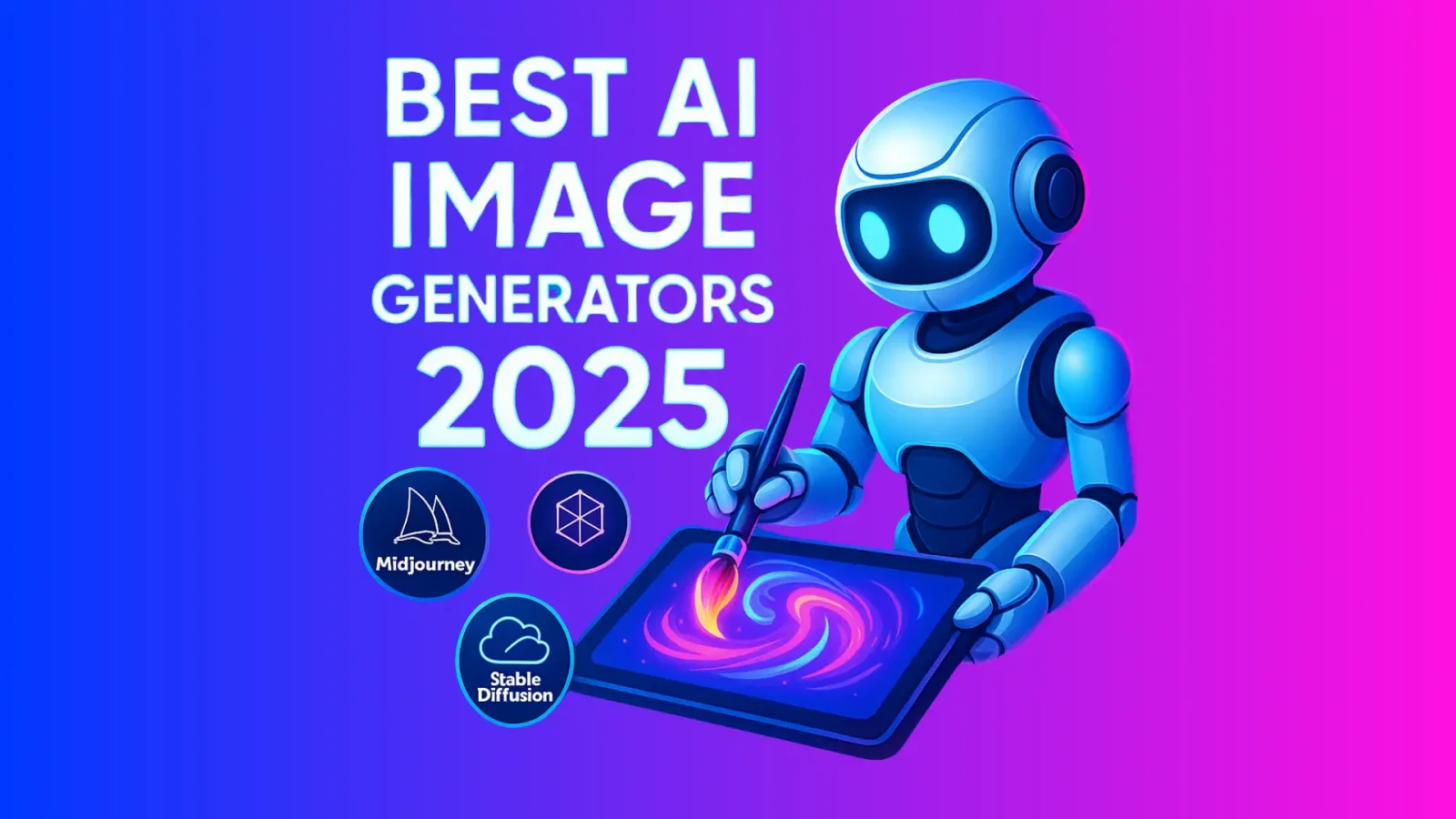
The Best AI Image Generation Tools in 2026 are Midjourney v7 for artistic quality and creative control, Adobe Firefly 4 for commercial-safe output with deep Creative Cloud integration, and DALL·E 4 for ease of use within the ChatGPT ecosystem. Each tool leads its own category, so choosing between them comes down to your workflow, not just image quality.
The gap between these tools and everything else has widened significantly since 2024. Prompt understanding has improved to the point where a plain-English description produces reliably usable output on the first try. The major shift in 2025-2026 has been in consistency – generating characters, products, or styles that remain recognizable across multiple images – a problem that plagued earlier versions.
How the Landscape Changed from 2024 to 2026
- Character and style consistency became standard, not a paid add-on feature.
- Video generation went from novelty to production-capable (Sora, Runway Gen-3).
- Commercial licensing clarity improved – Adobe Firefly and a few others now offer true indemnification.
- Prompt-to-3D pipelines matured, with tools generating UV-mapped assets for game engines.
- Watermarking and provenance tools (C2PA standard) became default in enterprise tools.
Top AI Image Generation Tools Compared
| Tool | Best For | Pricing (2026) | Output Style | Commercial License | API Access |
|---|---|---|---|---|---|
| Midjourney v7 | Artistic, editorial, concept art | $10-$60/mo | Painterly, cinematic, stylized | Yes (paid plans) | Yes |
| Adobe Firefly 4 | Commercial & brand-safe content | Included in CC / $9.99/mo | Clean, photorealistic, versatile | Full indemnification | Yes |
| DALL·E 4 | Quick iteration, ChatGPT users | Included in ChatGPT Plus | Balanced, illustrative | Yes | Yes (OpenAI API) |
| Stable Diffusion 4 (local) | Total control, fine-tuning | Free (self-hosted) | Anything with right model | Depends on model | Yes (open source) |
| Ideogram 3 | Typography in images | $7-$16/mo | Clean, text-accurate | Yes | Yes |
| Canva AI | Non-designers, social content | Included in Canva Pro | Clean, template-friendly | Yes | Limited |
Deep Dives: The Top Four
Midjourney v7 – Still the Creative Standard
Midjourney v7 introduced ‘character reference sheets’ as a native feature, meaning you can define a character once and generate them in any scenario, lighting, or style while maintaining physical consistency. This alone solved one of the biggest frustrations for illustrators and storyboard artists.
The new ‘style tuning’ mode allows users to define a visual signature using their own reference images – essentially building a custom house style without fine-tuning a model from scratch. For agencies and brand teams, this is significant. Image quality at maximum settings remains the benchmark everything else is compared to.
The main friction: Midjourney still runs through Discord, which feels archaic for professional workflows. The web interface has improved but the Discord-first architecture limits integration into broader production pipelines.
Adobe Firefly 4 – The Safe Commercial Choice
Firefly’s defining advantage is legal, not technical: every image is trained on licensed Adobe Stock content, meaning no copyright gray area. For brands, agencies, and publishers who have been hesitant about AI due to legal exposure, Firefly is the only enterprise-grade tool that offers full indemnification.
Version 4 added significant photorealism upgrades and a ‘generative match’ feature that lets you upload a brand’s existing visual assets and generate new images that match the established style. The Photoshop and Illustrator integration means designers never have to leave their existing tools.
Where it lags: pure artistic output quality is still a step below Midjourney at the highest settings. It is the professional’s reliable workhorse, not the artist’s first choice when quality is the only criterion.
DALL·E 4 – Frictionless for Most People
Embedded directly into ChatGPT, DALL·E 4 wins on accessibility. You describe what you want in conversational language, refine through dialogue, and get consistent results without learning prompt syntax. For marketers, writers, and non-designers generating content assets, this workflow is genuinely intuitive.
The OpenAI API makes DALL·E 4 the easiest to integrate into applications and automation workflows. If you are building a product that generates images for users, DALL·E 4’s API is typically the fastest path to deployment.
Stable Diffusion 4 (Local) – Full Control, No Subscription
For developers, researchers, and power users willing to manage local infrastructure, Stable Diffusion remains the only tool with true ownership. Run it on your own hardware, fine-tune on your own data, build whatever workflows you want – no monthly fee, no content policy restrictions.
The tradeoff is real: setup complexity is high, hardware requirements are significant (16GB+ VRAM for quality outputs), and keeping up with the ecosystem of models, LoRAs, and ComfyUI workflows requires ongoing investment of time. For technical teams doing specialized work, it is irreplaceable. For everyone else, hosted tools are more practical.
Free vs Paid: What You Actually Get
| Tier | What’s Available Free | What Requires Payment |
|---|---|---|
| Midjourney | No meaningful free tier in 2026 | Everything – starts at $10/mo |
| Adobe Firefly | 25 generative credits/mo (Adobe account) | Full usage needs Creative Cloud |
| DALL·E 4 | Limited via free ChatGPT tier | Consistent access needs ChatGPT Plus ($20/mo) |
| Stable Diffusion | Fully free (self-hosted) | Hardware cost (GPU) or cloud GPU fees |
| Ideogram 3 | 10 images/day free tier | More generations from $7/mo |
| Canva AI | Limited in free Canva | Full AI features in Canva Pro ($15/mo) |
Which Tool Fits Which Creator
Freelance illustrators and concept artists: Midjourney v7. The quality ceiling is highest, and the style consistency features are built for your workflow.
Marketing and brand teams: Adobe Firefly 4. Legal safety, brand style matching, and Creative Cloud integration remove every friction point.
Writers and content creators: DALL·E 4 via ChatGPT. The conversational refinement loop matches how you already work.
Developers building AI-powered products: DALL·E 4 API for speed to market; Stable Diffusion for customization and cost at scale.
Social media and non-designers: Canva AI. It handles the design context around the image, not just the image itself.
Anyone who needs text in images: Ideogram 3. Accurate typography in AI images remains a weak point for every other tool on this list.
A Note on Ethics and Legal Use
The legal status of AI-generated images used commercially continues to evolve in 2026. The safest position is to use tools trained on licensed data (Adobe Firefly) or to ensure your use case falls within the terms of service of your chosen platform.
- Do not use AI tools to replicate a living artist’s distinctive style for commercial work without their consent.
- Deepfake-style realistic images of real people carry both legal and reputational risk regardless of platform terms.
- The C2PA content provenance standard – now supported by Adobe, Google, and Microsoft – embeds invisible metadata in AI images, making origin traceable. This is becoming the industry standard for transparency.
These tools are powerful enough that using them well requires thinking about not just what you can generate, but what you should.